Alice Mail is the legacy email service associated with former Alice ADSL subscriptions, now hosted on Free’s Zimbra infrastructure. The full @aliceadsl.fr address serves as the username, and its password is separate from the one used for the Free subscriber account. This distinction is the most common cause of login problems.
Alice Mail and Free account credentials: two logins not to confuse
When Free acquired Alice ADSL, existing mailboxes were migrated to Zimbra servers. The migration did not happen at the same time for every account, which explains why some users kept their old password while others were invited to reset theirs.
The most common mistake is entering the Free subscriber account credentials (the account used to manage the Freebox) on the Zimbra webmail page. Alice webmail uses a separate username/password combination from the subscriber account. The username is the full email address, for example [email protected].
To retrieve or change the mailbox password, use the Free management console (accessible from the Free portal) to reset the password for each mailbox linked to the account. A detailed guide explains how to access Zimbra Mail Orly by walking you through each step of the process.

Logging in to Zimbra webmail: URL and technical settings
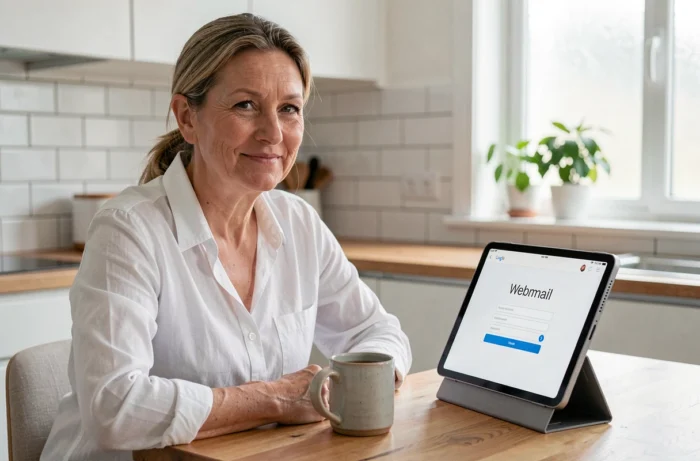
The Alice email service’s web interface is available at zimbra.aliceadsl.fr (or zimbra.free.fr, depending on the redirect in place). Once on the page, enter the full email address in the username field and the mailbox password in the password field—not the password for the Free account.
Set up an email client with IMAP rather than POP
The IMAP protocol syncs messages across all your devices, whereas POP downloads emails to a single device and may delete them from the server. For everyday use on a phone and a computer, IMAP is the only sensible choice.
Enter the following settings in an email client (Thunderbird, Outlook, or a smartphone’s Mail app):
- Incoming IMAP server: imap.aliceadsl.fr, port 993, SSL/TLS encryption enabled
- Outgoing SMTP server: smtp.aliceadsl.fr, port 465, SSL/TLS encryption enabled, authentication required
- Username: the full email address ending in @aliceadsl.fr
- Password: the mailbox password (which can be reset from the Free console)
If the client offers a choice between SSL and STARTTLS, choose SSL/TLS on the specified ports. Using the wrong port or encryption type will consistently cause a silent connection failure, with no explicit error message in some mobile clients.
Everyday Zimbra use: filters, folders, and search
The Zimbra interface does more than send and receive emails. Three features are worth setting up the first time you log in to save time every day.
Automatic sorting filters
Zimbra lets you create rules that automatically sort incoming messages into dedicated folders. A filter is defined by a condition (sender, subject, keyword) and an action (move, mark, delete). Creating three or four filters for your most frequent senders keeps your inbox organized without manual intervention.
Advanced message search
The Zimbra search field supports operators. Typing “from:banque” displays only messages from a sender whose name contains the word “banque”. Typing “has:attachment” filters for messages with attachments. These shortcuts save you from manually searching through hundreds of emails.
Archive your Alice emails: a precaution to take now
No official announcement has scheduled the closure of @aliceadsl.fr addresses. Archiving your emails is a sensible precaution for any legacy service whose long-term availability is not guaranteed by any recent contractual commitment.
The most reliable method is to set up an email client with IMAP, then drag messages from remote folders into a local folder on your hard drive. Thunderbird, for example, stores these copies in a standard format (.mbox) that can be reused in other software.
For contacts, Zimbra offers an export feature in CSV or vCard format from its built-in address book. The resulting file can then be imported into any service (Gmail, Outlook, ProtonMail) without losing information.
- Export contacts from Zimbra in CSV format (Address Book menu, then Export)
- Copy messages to a local folder using an IMAP client to keep a separate backup independent of the server
- Regularly check that the mailbox is not nearing its storage limit, which would prevent new messages from being received
The Alice address remains active, and sending and receiving emails continue to work normally through Zimbra. Keeping a local copy simply protects you against an unexpected technical change, without requiring you to give up the address for now.